How to Redeem AMPED Codes
A clear redeem path for beta players who just grabbed a code from the official group.
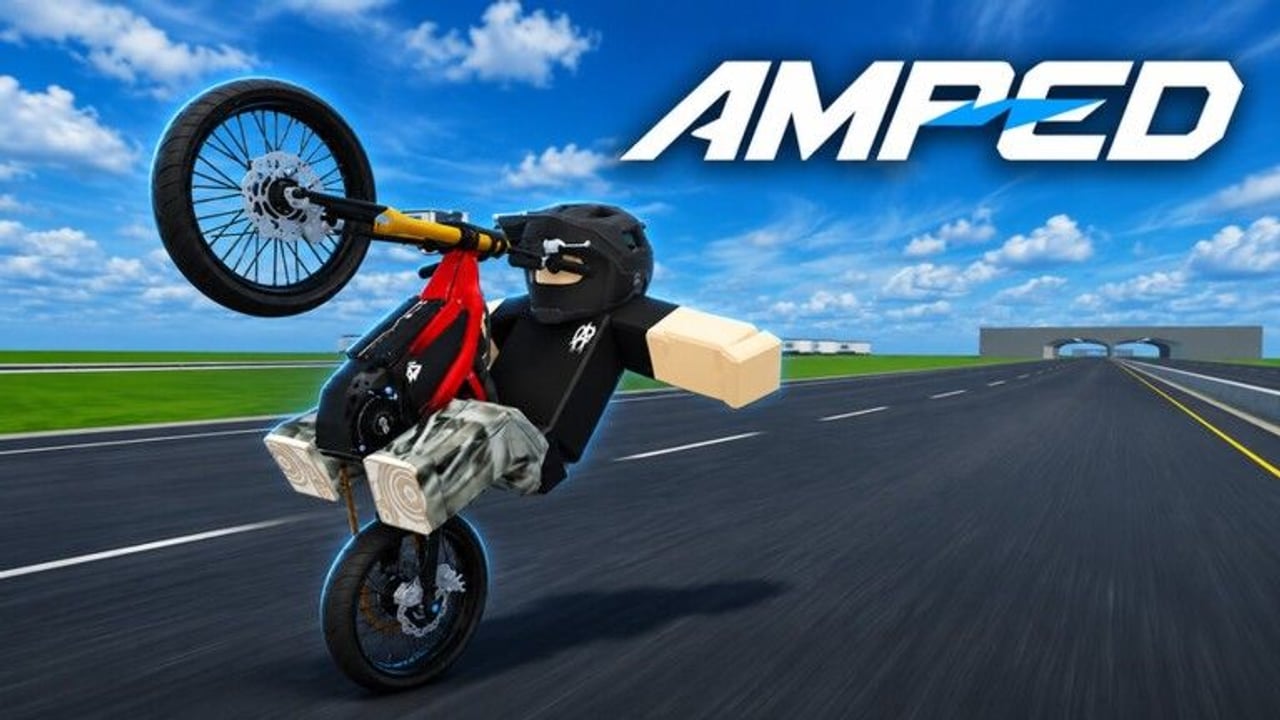
Redeeming codes in AMPED is simple once you know where the UI lives and which channels post valid strings. This guide walks through the full flow for Roblox PC and mobile, explains common failure messages, and shows what to do with rewards after a successful claim. Pair it with the parent Codes Hub whenever a new shout drops.
Before you redeem
- Launch AMPED from the Roblox place page and wait until you fully load into a server (servers hold about 12 players).
- Join the AMPED|Official community so group shout codes and group-gated gifts can apply.
- Copy the code from an official source only — preferably the group shout — into a notes app so you do not mistype it.
- Make sure you are not in the middle of a jump line or mid-wheelie if the UI pauses input; pull over somewhere safe.
If this is your first session, skim Getting Started and Controls so you can move, camera, and open menus without fighting the bike.
Step-by-step redeem flow
1. Find the Codes / Rewards button
Beta UIs move between patches. Look for a Codes, Rewards, Gift, or Twitter/X style button on the main HUD, shop panel, or settings gear. Some hangout games tuck redeem under a cash or inventory menu. Open each obvious panel once and note where the text field appears so future claims take seconds.
2. Paste carefully
Paste the full string. Remove leading or trailing spaces. If the code mixes letters and numbers, keep the same capitalization the shout used. Do not add hashtags unless the official post includes them.
3. Submit and read the toast
Hit redeem / submit. Watch for:
- Success — cash, cosmetic, or boost granted; check inventory or balance.
- Invalid / expired — the drop ended or the string was mistyped.
- Already redeemed — your account already claimed it; you cannot farm the same code repeatedly.
- Group required — leave, join AMPED|Official, rejoin the place, try again.
4. Verify the reward landed
Open cash / currency UI and any cosmetics wardrobe. If cash arrived, decide whether to bank it for a stronger bike or spend on small upgrades that stabilize wheelies. Use Best Bikes and the Bike Tier List before dumping everything into a flex paint.
5. Log the code privately
Keep a personal note of codes you already claimed. That prevents panic when a friend reposts an old string that your account correctly rejects.
PC vs mobile differences
On PC, mouse aim makes hitting small HUD buttons easy; use clipboard paste (Ctrl+V) into the code field. On mobile, open the on-screen keyboard only after focusing the field, and prefer pasting from Roblox chat or notes to avoid autocorrect mangling the string. If the touch UI hides the submit button behind the keyboard, dismiss the keyboard slightly or rotate orientation once.
Camera and movement bindings are covered on the Controls page. Redeeming itself rarely needs special keybinds beyond interacting with the HUD.
Where to grab codes the same hour they drop
- AMPED|Official group shout (primary)
- Staff posts tied to owner accounts realshadonk / lilshadonk
- Patch announcements summarized on our Updates Hub and Beta Notes
- Rare in-game banners after a content push
Avoid third-party sites that list fifty “always working” AMPED codes with identical fake reward columns. During early beta those lists are almost always scrapers or clickbait.
What to do after a successful claim
Codes are a boost, not a replacement for the core loop: ride Ultra Bee style e-motos, hold wheelies, hit jumps, earn cash, hang out. After redeeming:
- Warm up with a flat wheelie using tips from How to Wheelie.
- Run a short cash route from Earn Cash Fast.
- Meet friends using etiquette from the Players Hub.
- Tick the pre-ride checklist on the Tools Hub so graphics and sensitivity feel consistent.
If you redeemed cosmetics, equip them only after you can hold a stable wheelie — flex lands better when the bike looks planted.
Troubleshooting redeem failures
Nothing happens when I click redeem — wait for full server load, re-open the panel, or rejoin. Beta UIs sometimes need a fresh session after a deploy.
Code worked for my friend but not me — they may have claimed a personal or first-N claim code, or you already redeemed it on an alt that shares entitlements (rare). Check your own claim log.
I lost connection mid-claim — rejoin and check balances before redeeming again; many systems mark a code used even if the toast never showed.
I only see script ads promising auto-redeem — skip them. Read the Scripts Hub for why executors are unnecessary for AMPED progression and risky for your account.
Redeem habits that save time every week
- Join the group once and leave notifications on for shouts when Roblox allows it.
- After every update, open codes UI even if you did not see a shout — some patches ship a bundled string.
- Never share screenshot crops that hide half the code; copy the full text.
- Spend cash with a plan: stability first, cosmetics second, unless you already clear jump lines cleanly.
Related pages
Frequently Asked Questions
Quick answers for AMPED riders.
Where is the AMPED codes button?
Look on the main HUD, shop, or settings for Codes, Rewards, or Gift. Beta layouts can move; open each panel once and remember the text field location.
Do codes work on mobile?
Yes. Paste carefully so autocorrect does not alter the string, and make sure the submit button is visible above the keyboard.
Why does it say already redeemed?
Your account already claimed that code. Most Roblox experiences allow one claim per code per account.
Should I redeem before or after joining the group?
Join AMPED|Official first, then redeem, especially if the shout mentions a group requirement.
What if no codes are live today?
Practice wheelies and cash routes instead. Codes are optional boosts; the core loop still pays out.